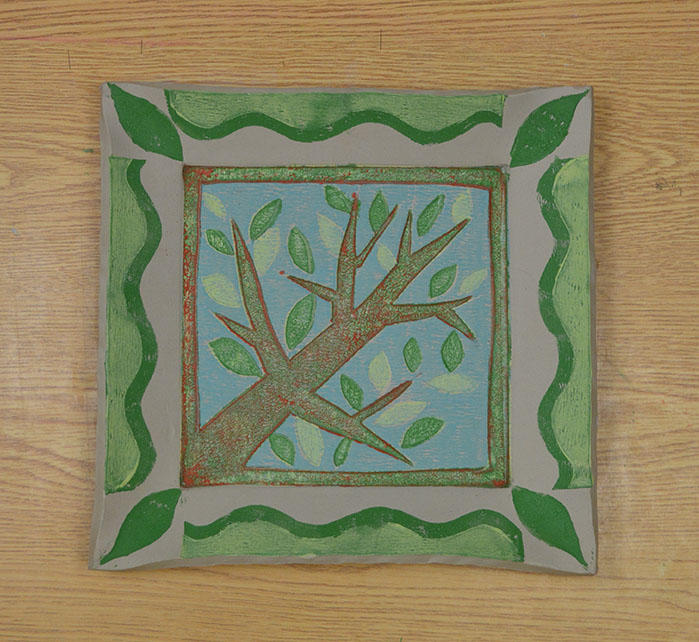
Weathered Sign
Make a decorative sign for your home or garden!


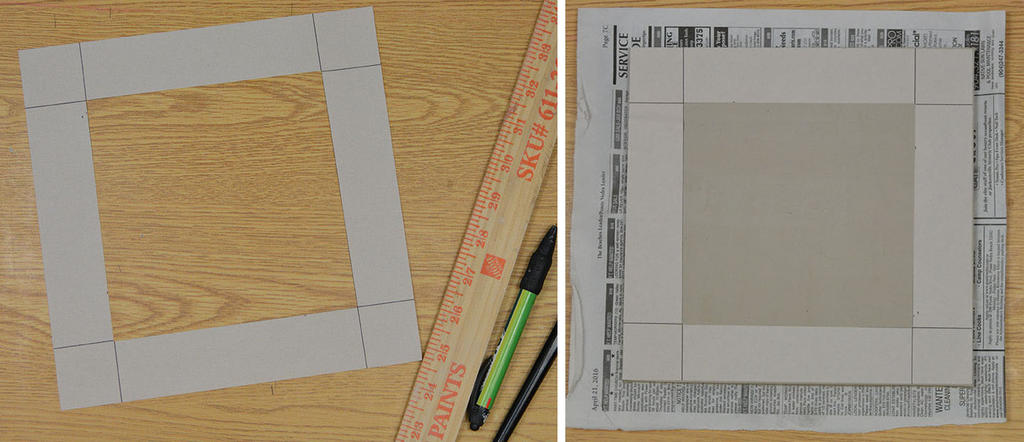
Cut a piece of newsprint with a 6" x 6"opening to register your print and the size border you prefer. We are using an 1 1/2" border. Then roll out a clay slab larger than 9" x 9" and slightly thicker than 1/4", smooth both sides.
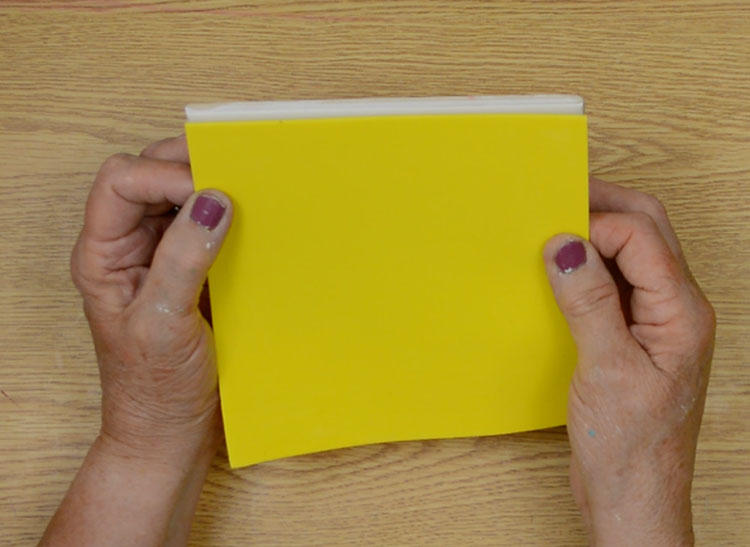
Cut the sticky back craft foam into a 6"x 6" square then peel and stick it to the glazed tile.
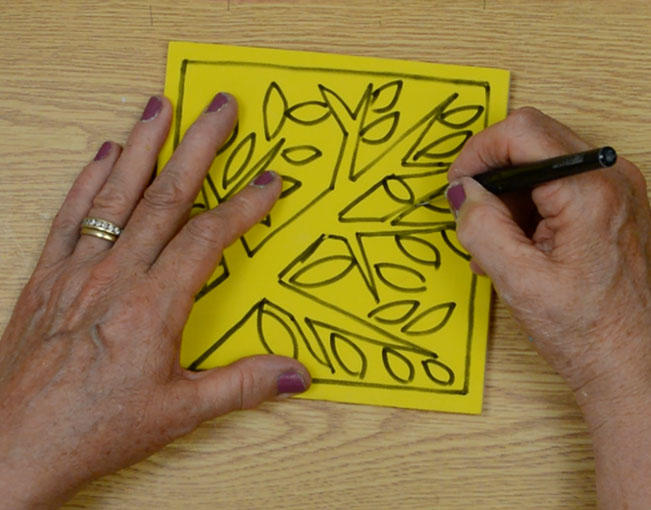
Draw the design and using a craft knife cut on the lines, cutting through the craft foam to the glazed tile.
Use a brayer on a flat surface and roll the AMACO Ceramic Printing Ink on the craft foam. We are starting with the lightest color. Colors will overlap, start with the lightest value first.
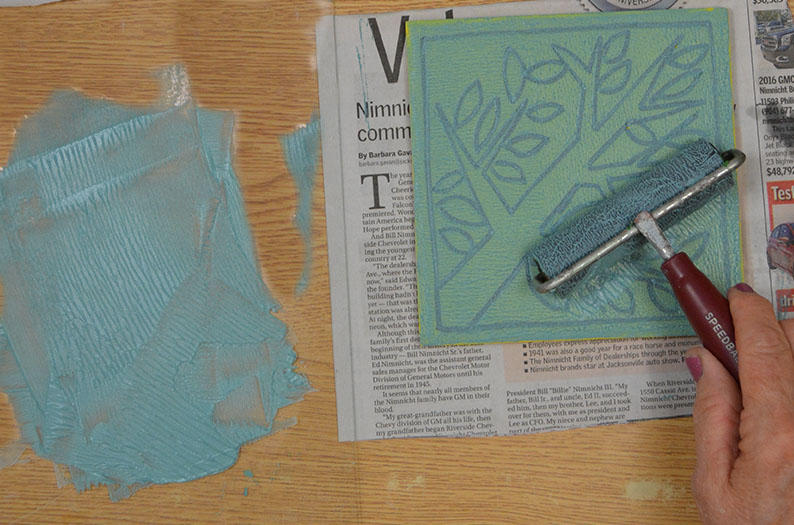
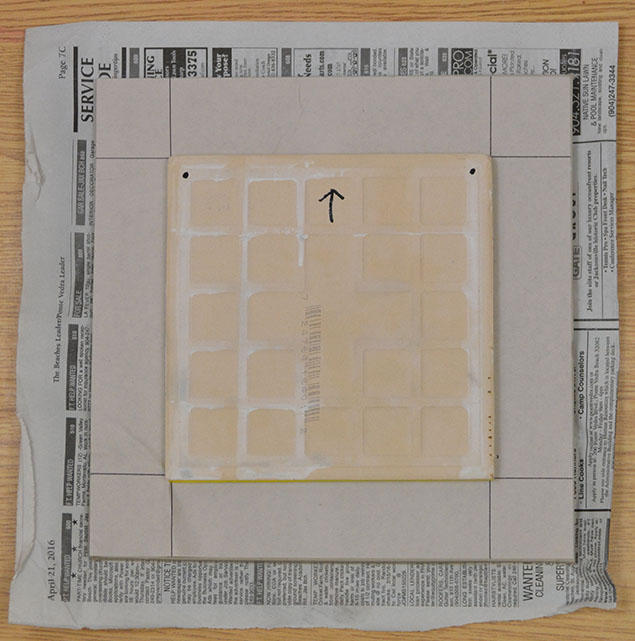
Press the inked craft foam onto the clay surface. Use the newsprint to help register the print. To get a better print carefully pick up the tile slab and flip it over to press the clay onto the tile. Mark the back of the tile to get a correct registration.
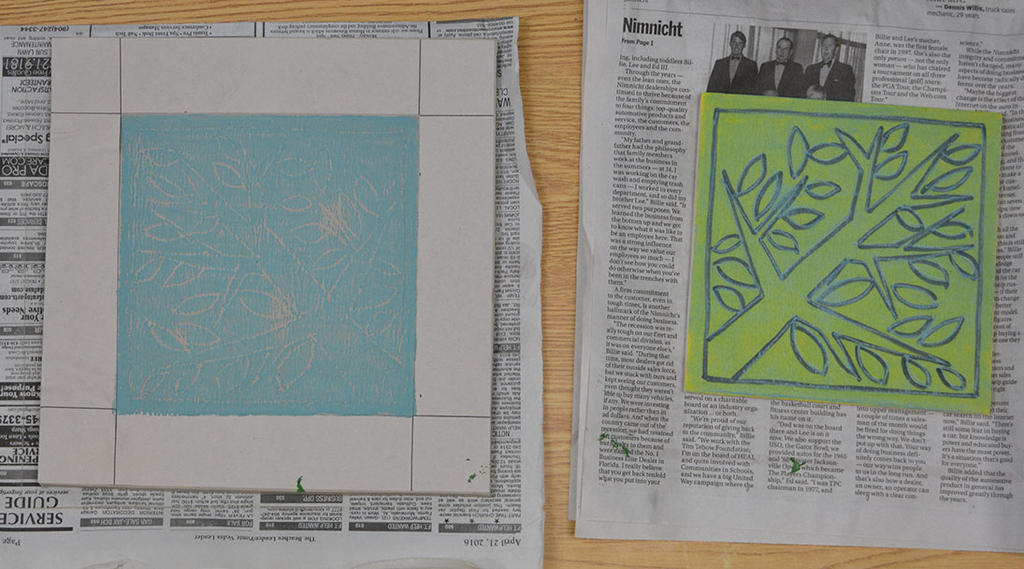
Remove the tile and the surface should be printed with your first color.
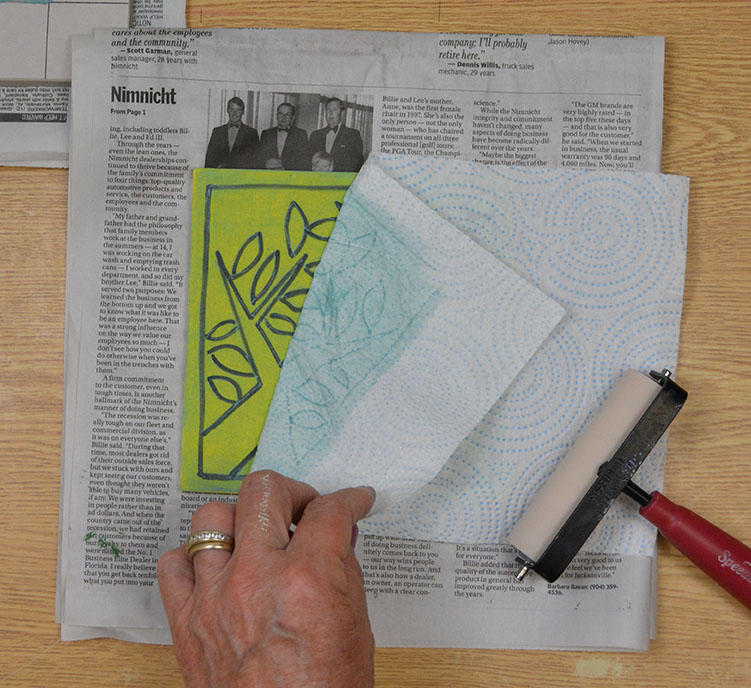
Instead of washing the tile use a paper towel and brayer to absorb the excess ink.
Peel off parts that will not be printed again. In this example AMACO Ceramic Printing Ink INK-27 Turquoise Blude is used for the sky so the background will be removed.
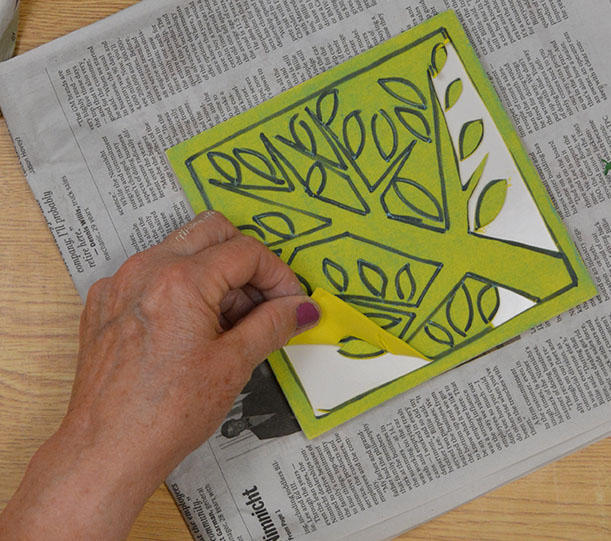
Once the background is removed it will not print again. The remaining foam sheet is inked with a second color and printed.
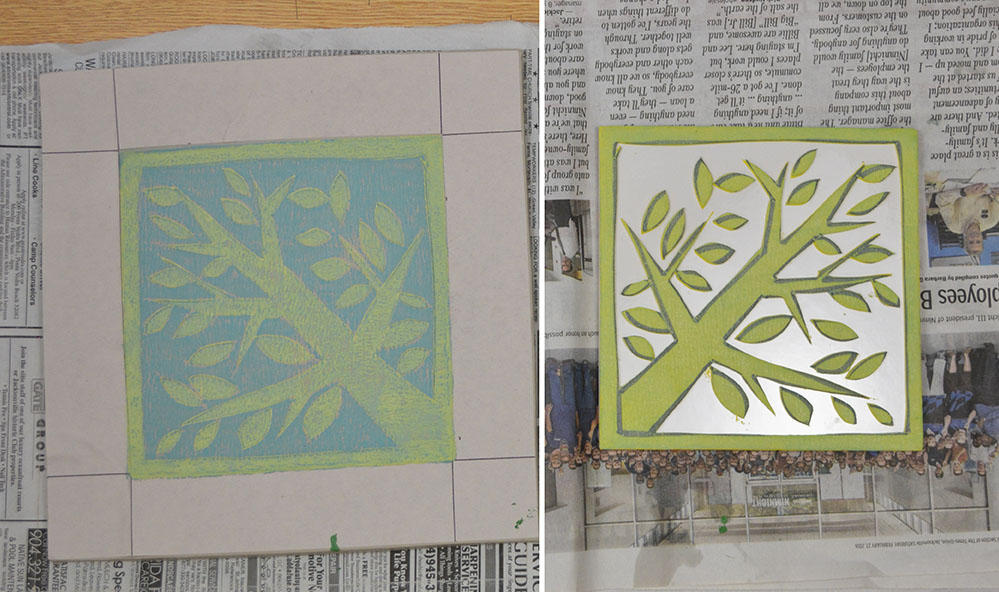
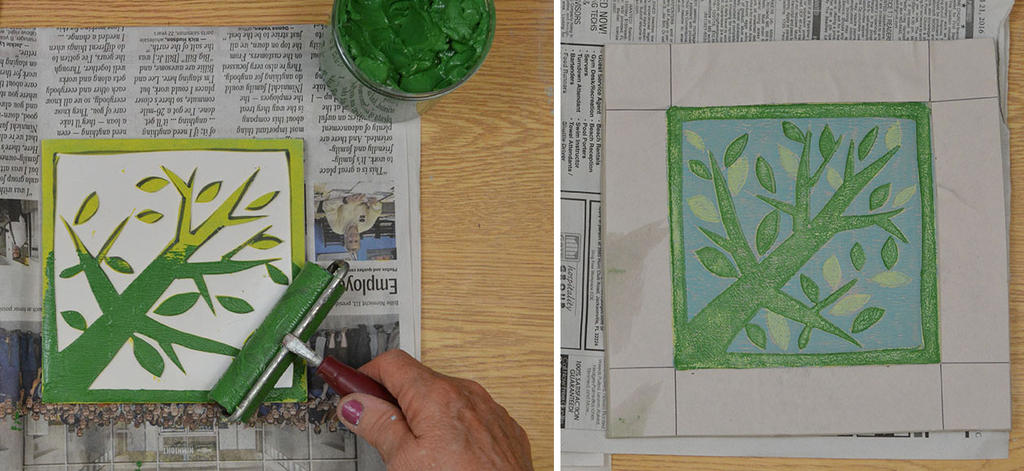
Now that all the parts that will remain Chartreuse have been removed the third color can be rolled on and printed.
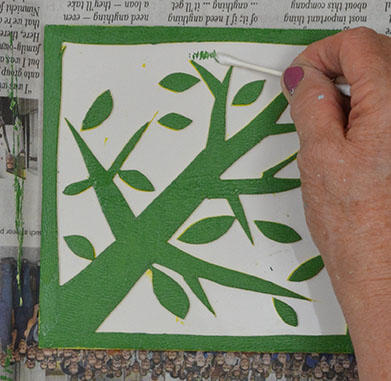
Use a cotton swab to easily remove excess underglaze on the tile.
Now that all the leaves have been removed, the next color was rolled onto the remaining parts to print.
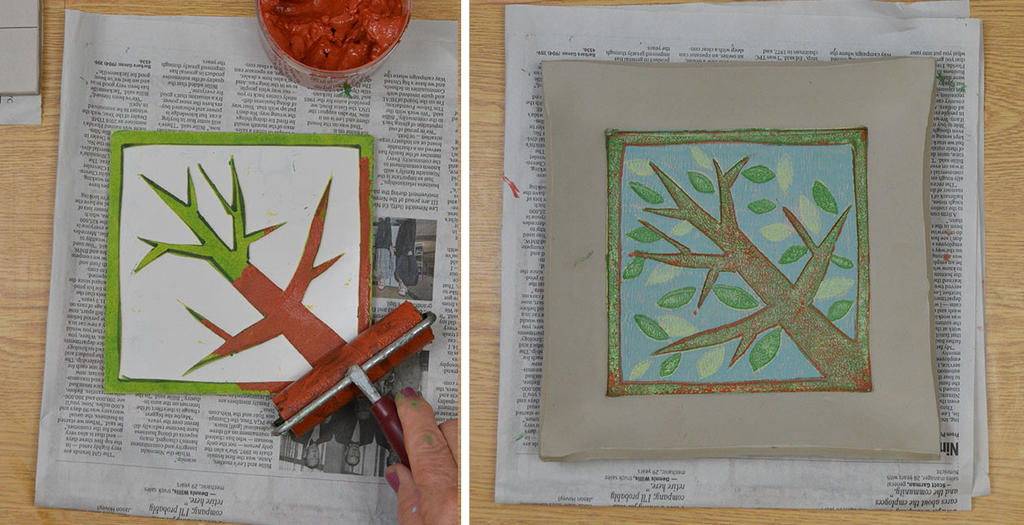
To finish the border, cut scraps to ink and print. The final print can be left flat or the rim bent upward for a more dimensional project.