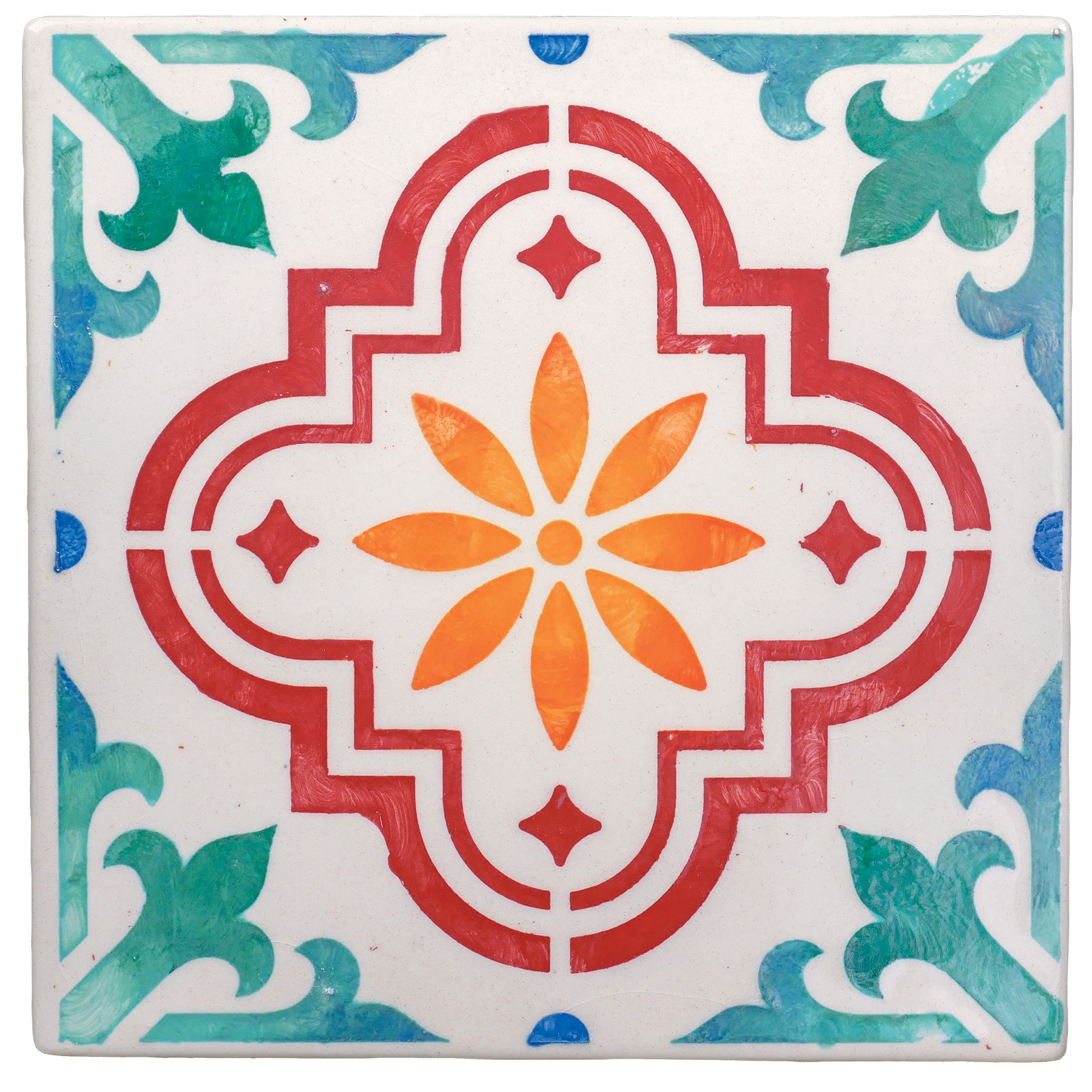
Plant Stakes
Make decorative plant stakes for the garden!


 Play Video
Draw a diagonal line from corner to corner with a pencil on a bisqued tile, creating an X.
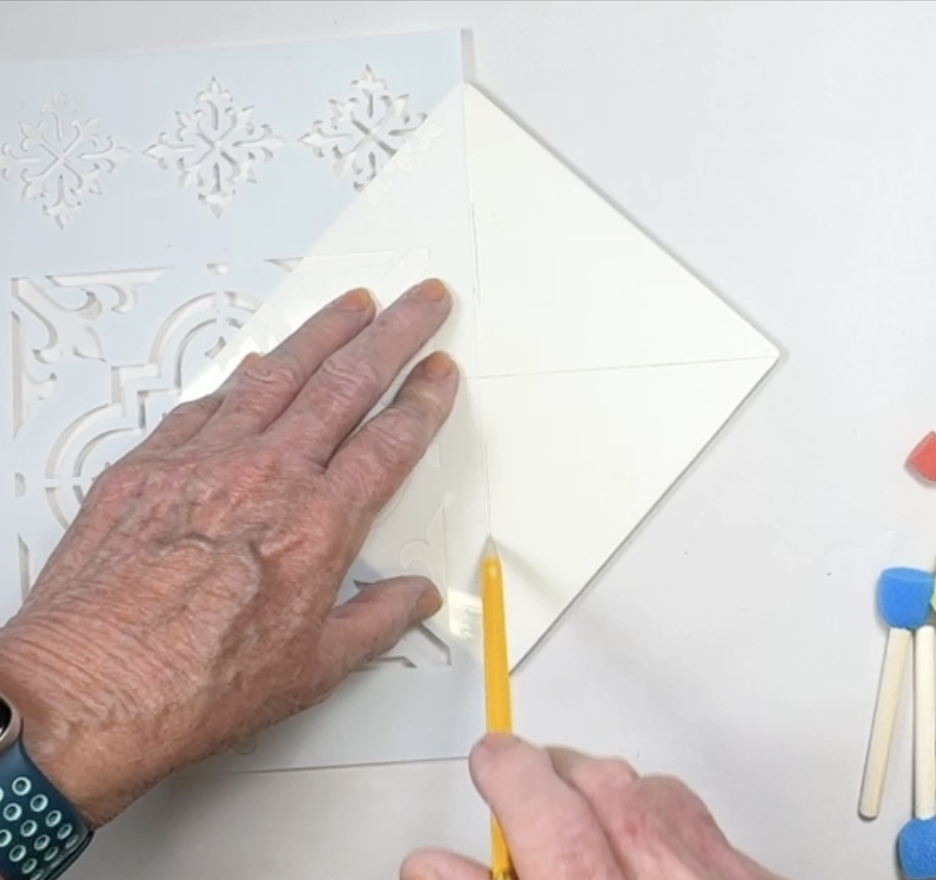
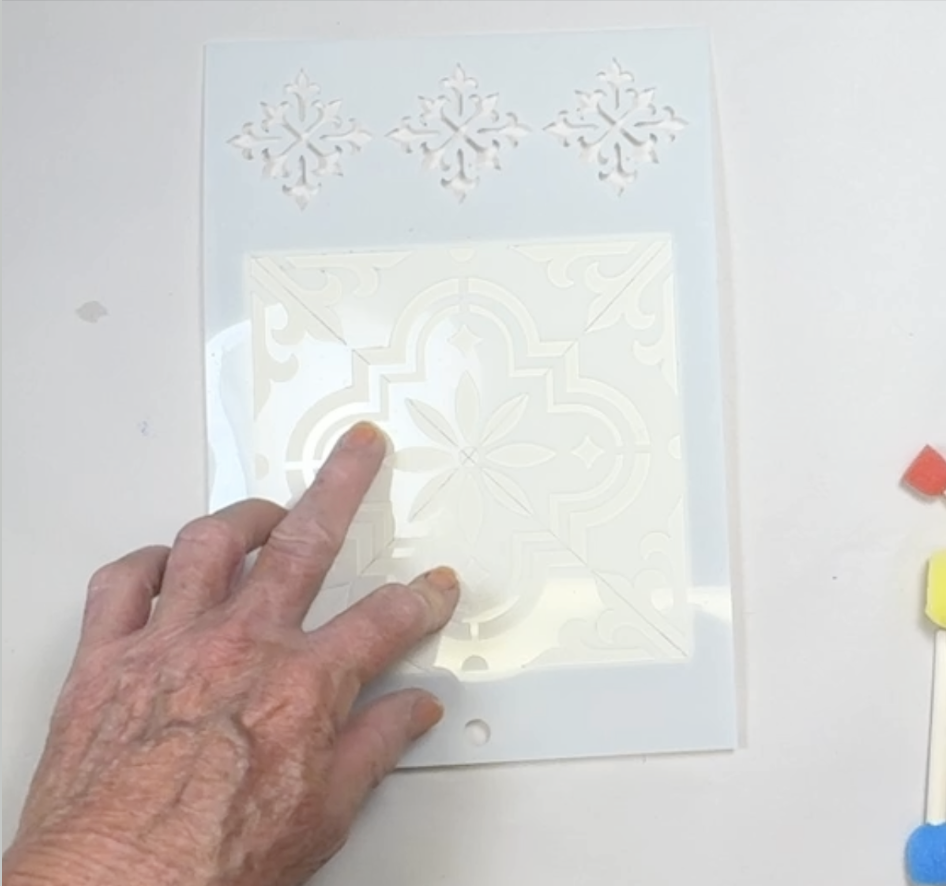
Center your stencil on the tile.
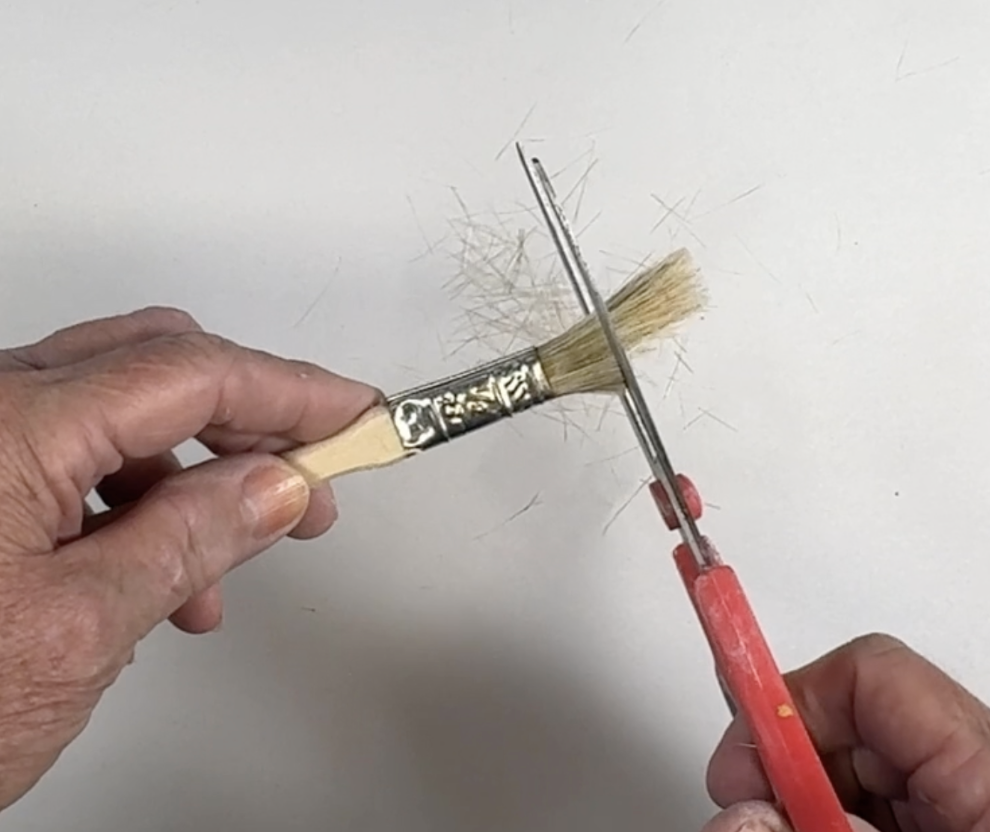
Buy a stencil brush, or make your own. You can also use a small sponge.
Use a stencil brush or small sponge to apply AMACO Ceramic Printing INKs.
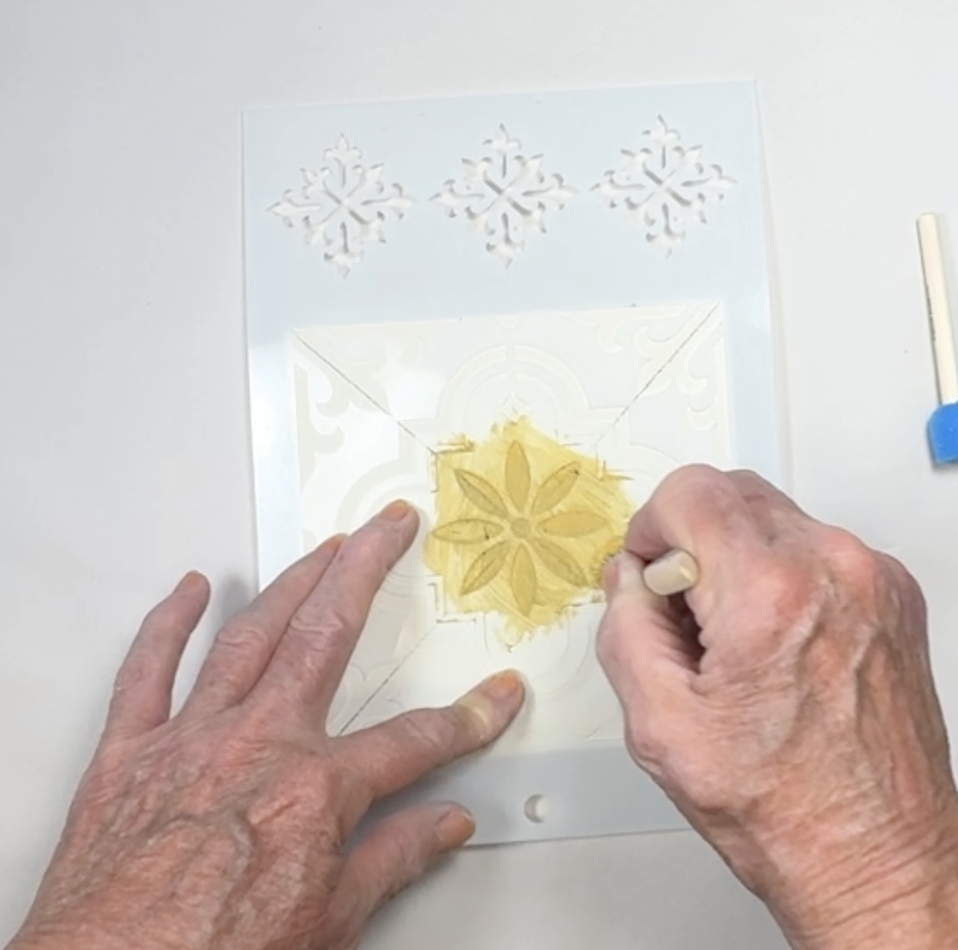
Colors can be blended!
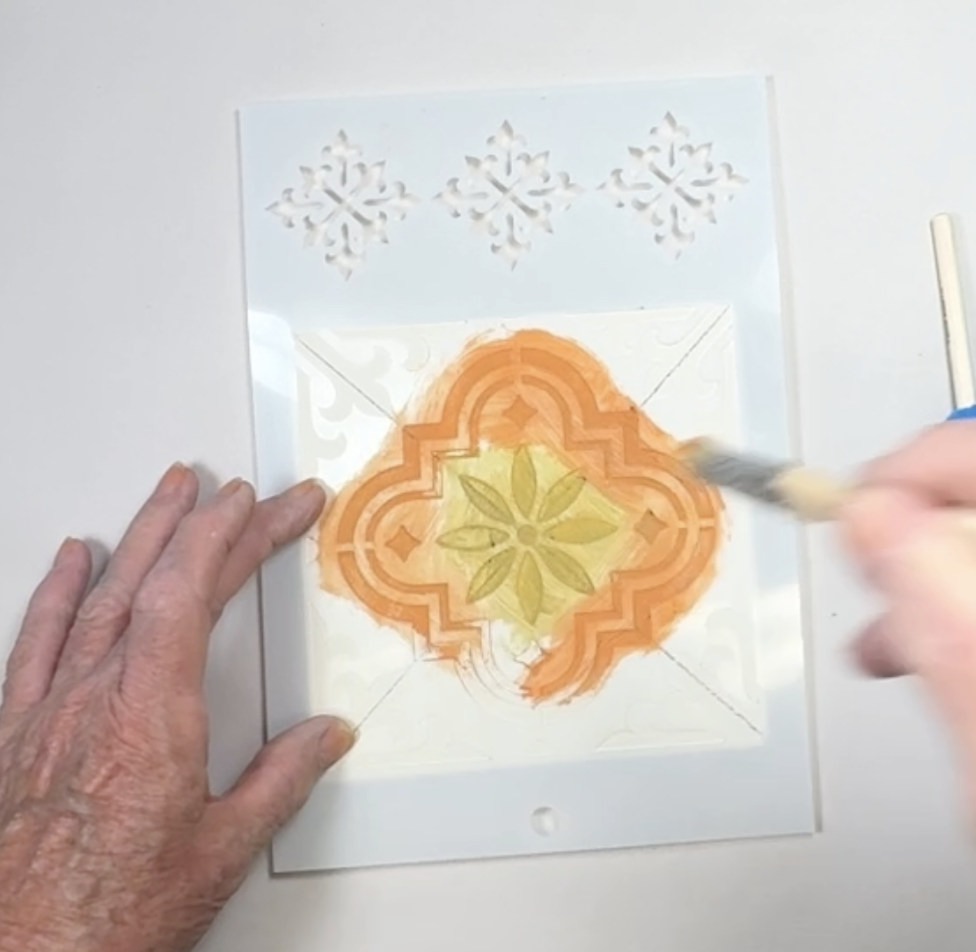
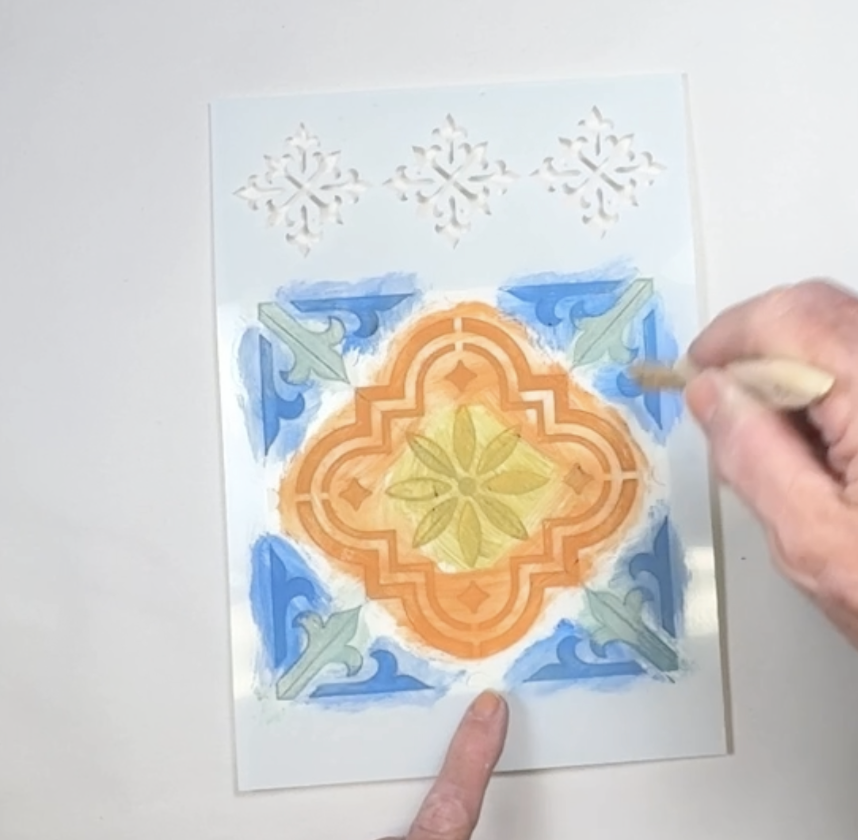
Add as many additional colors as you would like.
Remove the stencil and add 3 coats of AMACO LG-10 Clear Transparent.
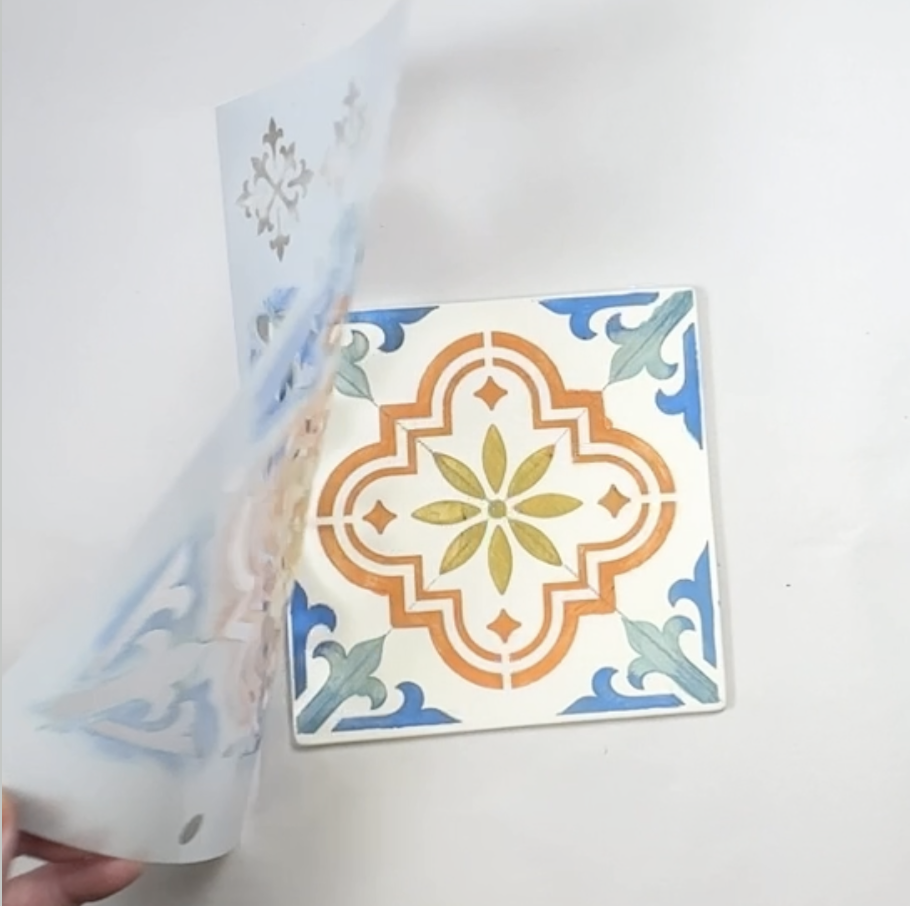
Fire tile to Cone 05.